Project overview
Introduction
Alfa Dashboard is a non-commercial enthusiast project designed to monitor several parameters
on Alfa Romeo Giulia and Stelvio diesel models. Originally created to monitor the Diesel Particulate Filter
regeneration status, the project has evolved by integrating several screens dedicated to diagnostics,
maintenance, performance and real-time vehicle monitoring through an OBD-II connection.
The firmware is designed for ESP32 microcontrollers, uses the ELMduino library and features an interactive
GUI developed with LVGL, optimized for 3.5" capacitive touch displays.
Main features
-
Splash screen:
initial screen with Alfa Dashboard logo, loading phase and system preparation.

-
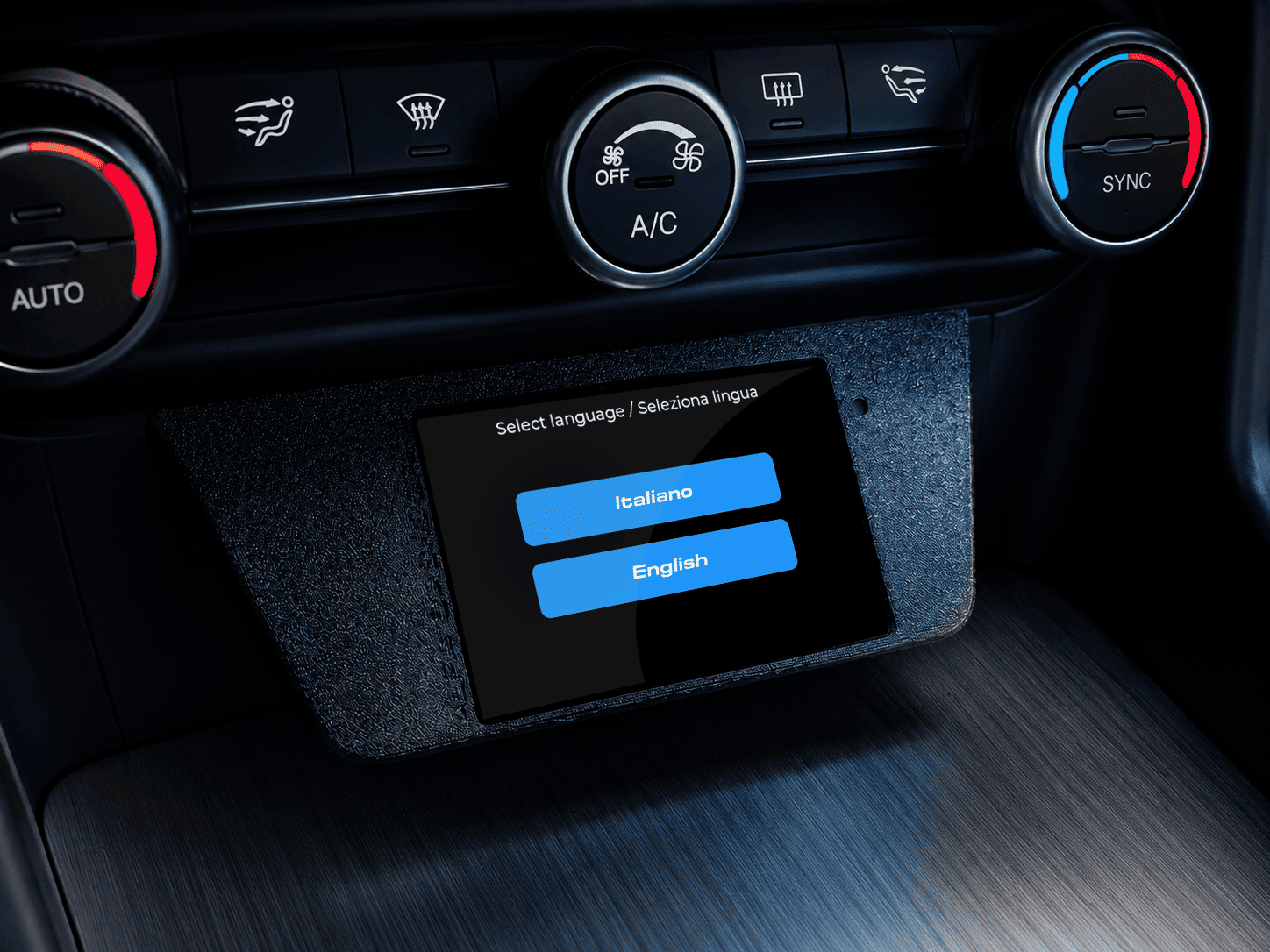
Language selection:
initial interface language selection between Italian and English, making the device immediately usable
by international users as well.
-
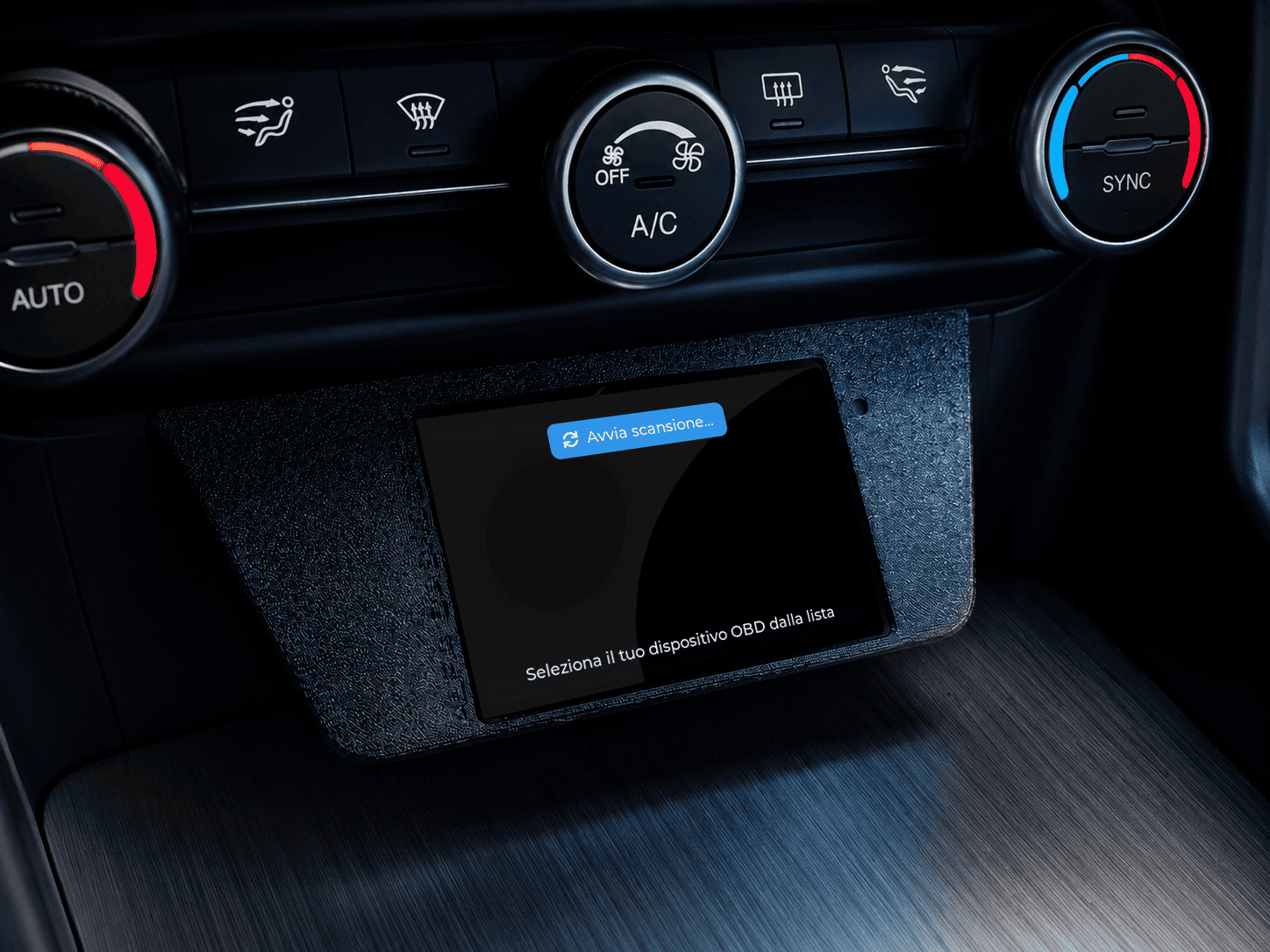
Bluetooth OBD-II connection:
scan and selection of a compatible OBD device, with a guided procedure to connect the ESP32 to the
Bluetooth adapter.
-
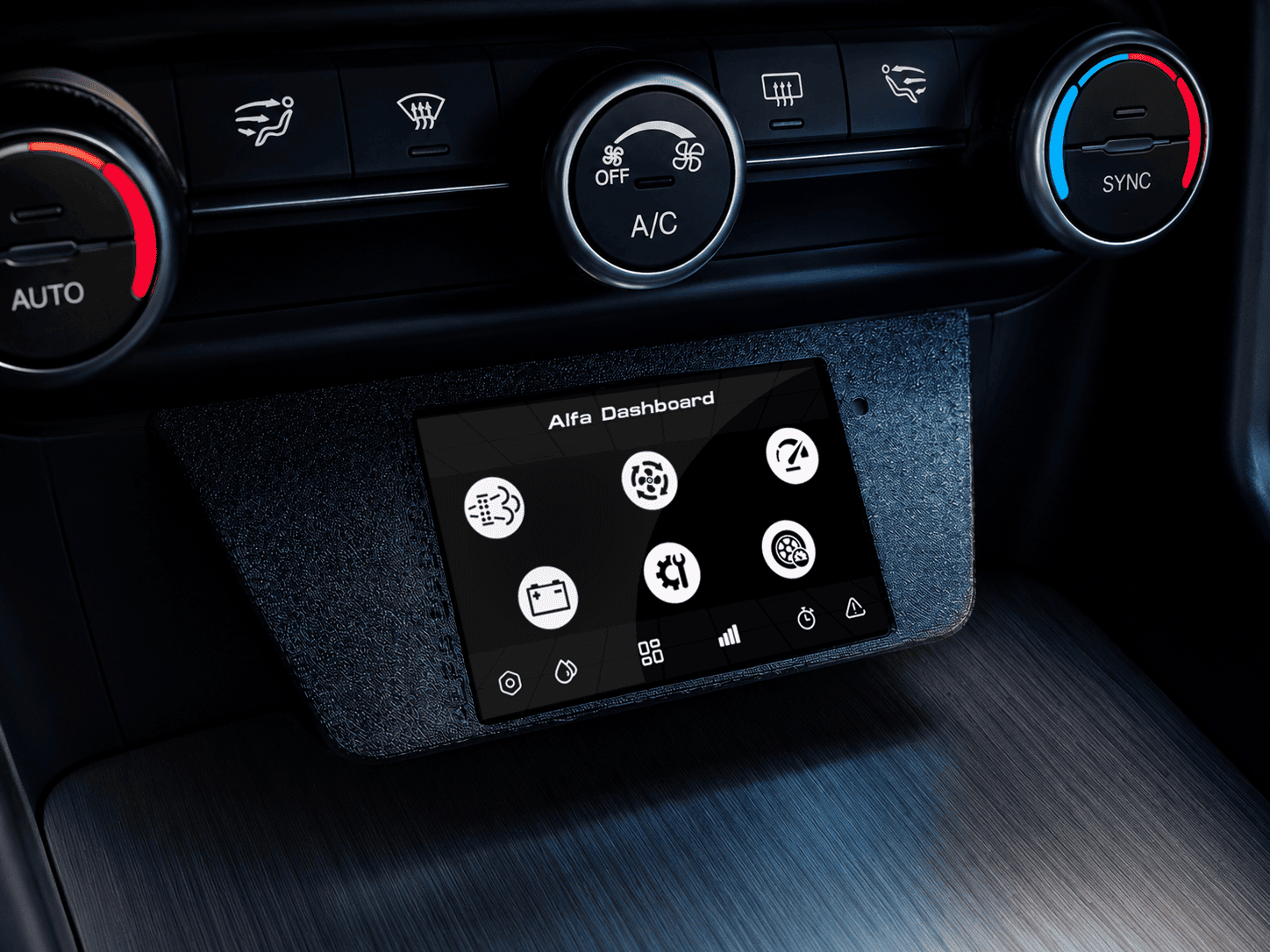
Home Dashboard:
main screen with quick access to the key sections: DPF, maintenance, performance, battery, tyres,
AdBlue, Custom Dash, DTC errors, OBD terminal and settings.
-
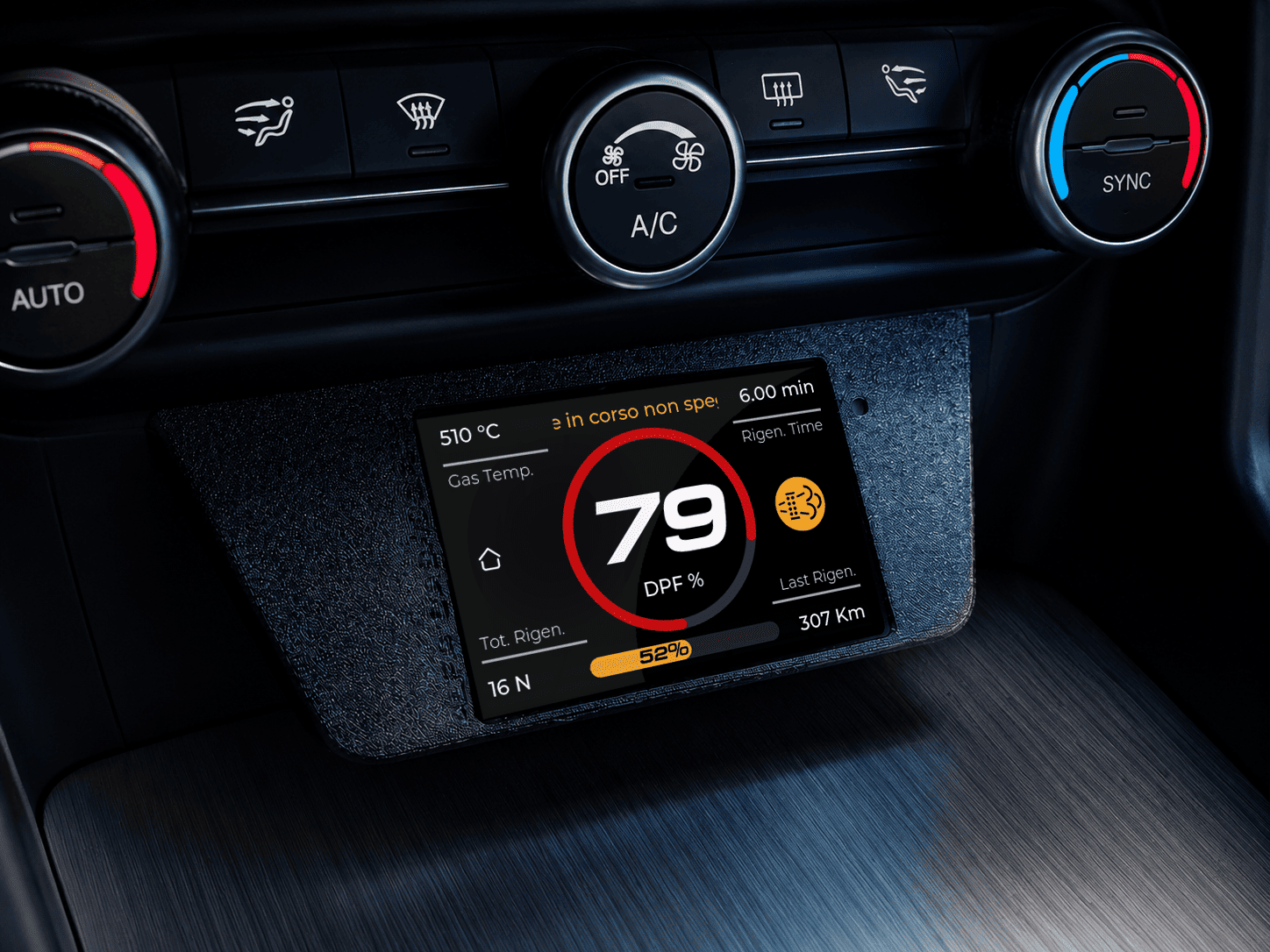
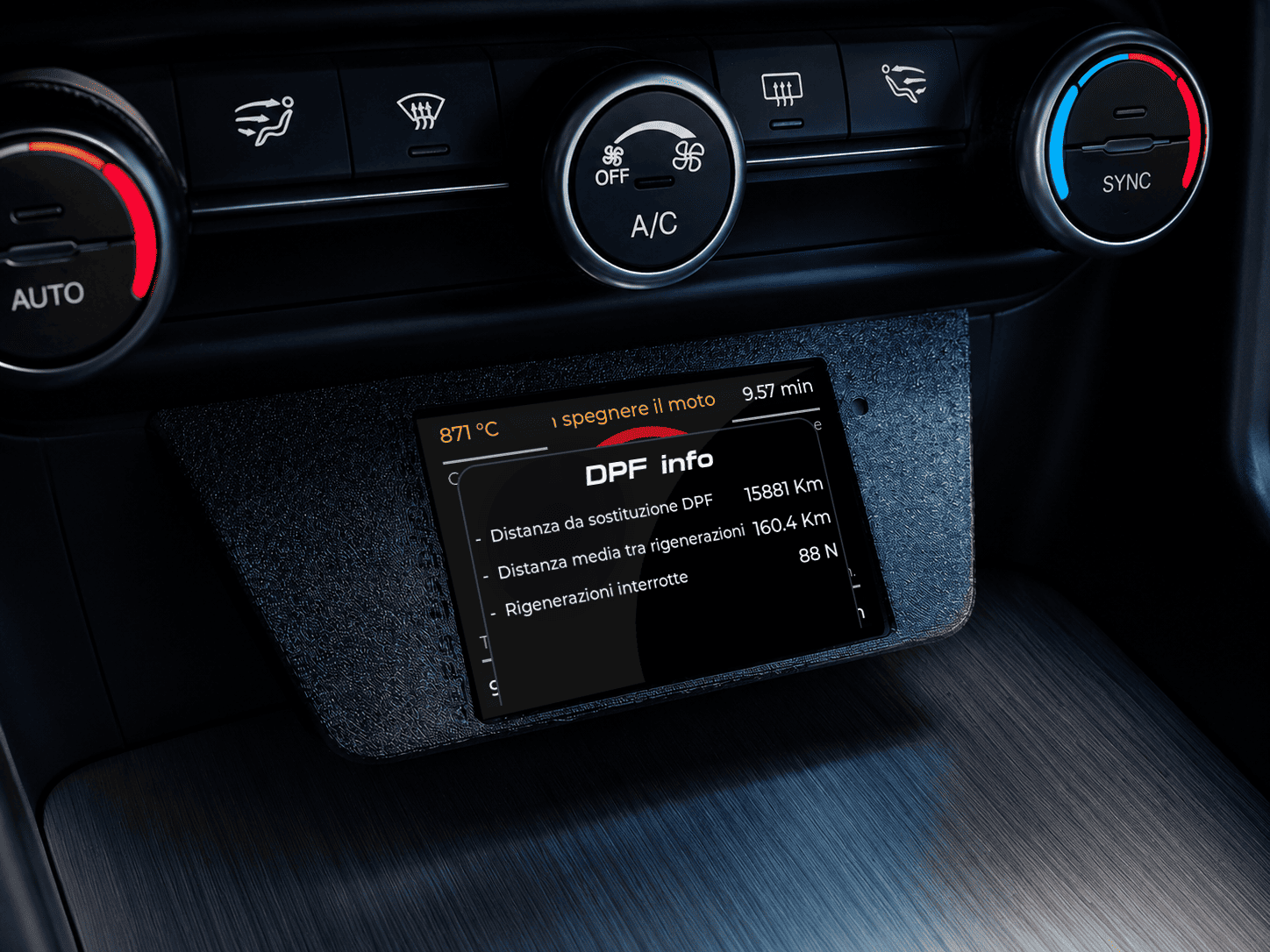
DPF monitoring:
display of Diesel Particulate Filter status, DPF percentage, exhaust gas temperature, regenerations,
distance since last regeneration and regeneration time.
-
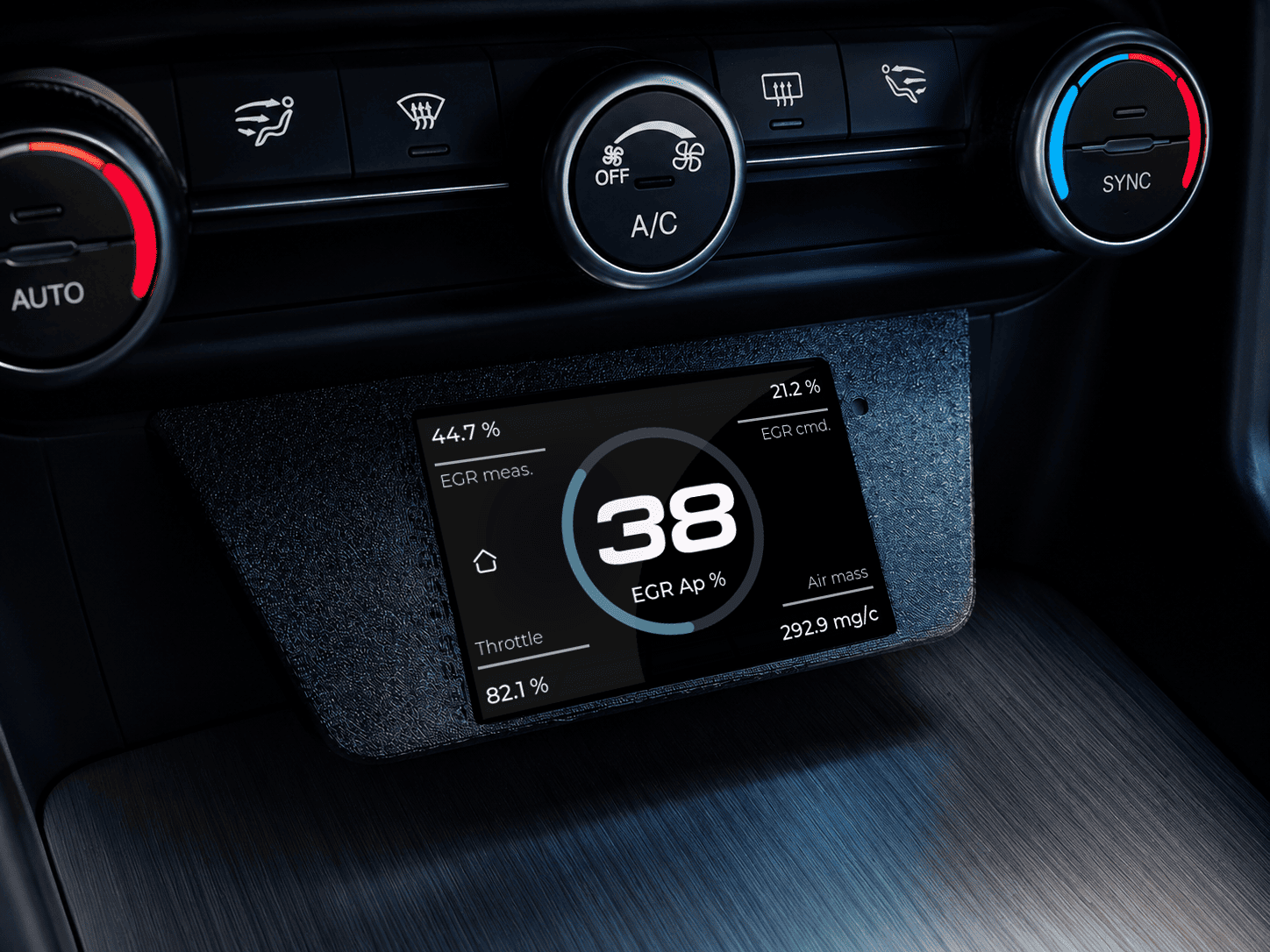
EGR and air monitoring:
screen dedicated to EGR parameters, valve opening, commanded/measured EGR value, air mass and engine-related
operating values.
-
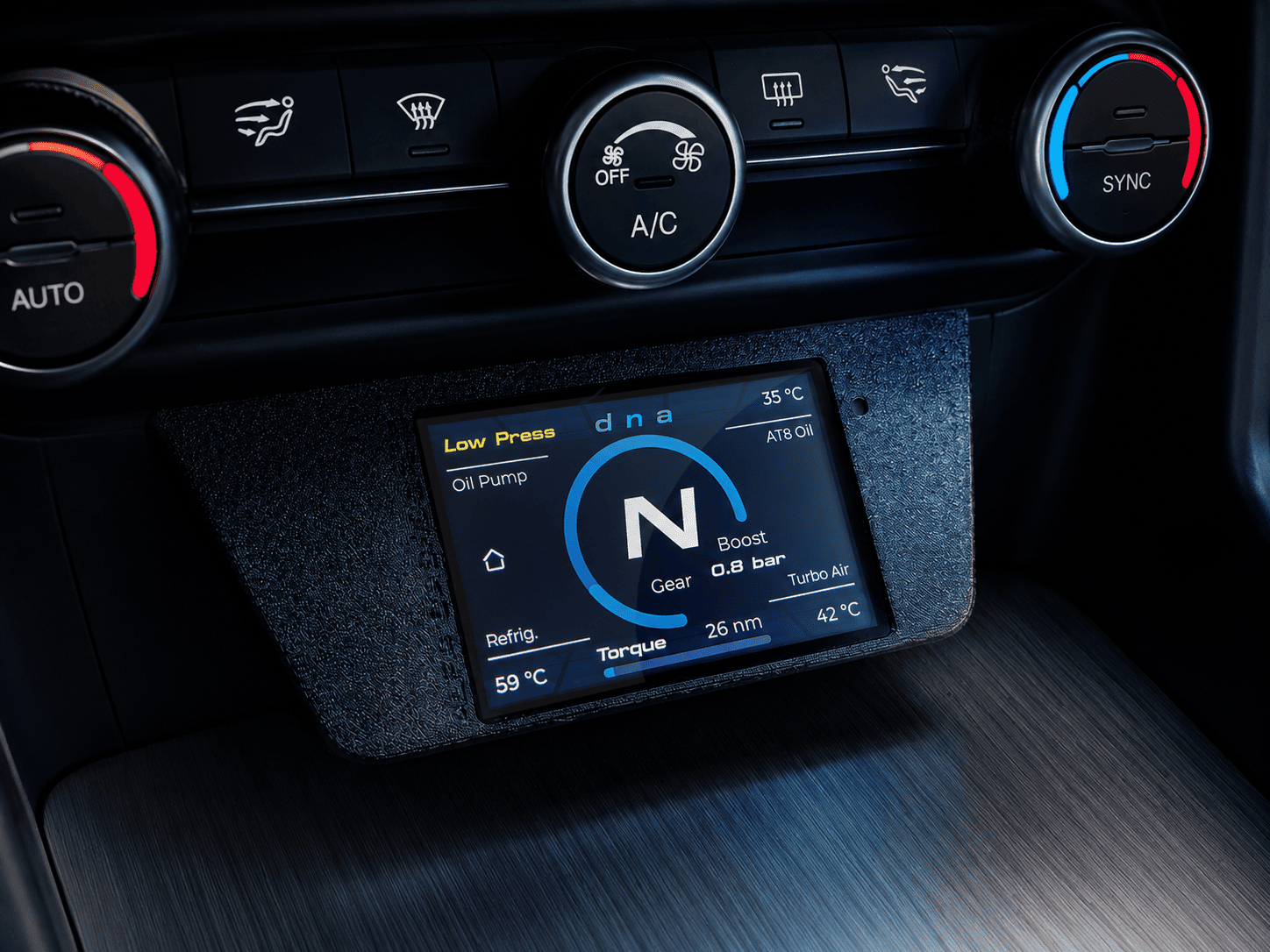
Performance and gearbox:
monitoring of turbo pressure, torque, current gear, DNA driving mode, coolant temperature, turbo air
temperature and AT8 gearbox oil temperature.
-
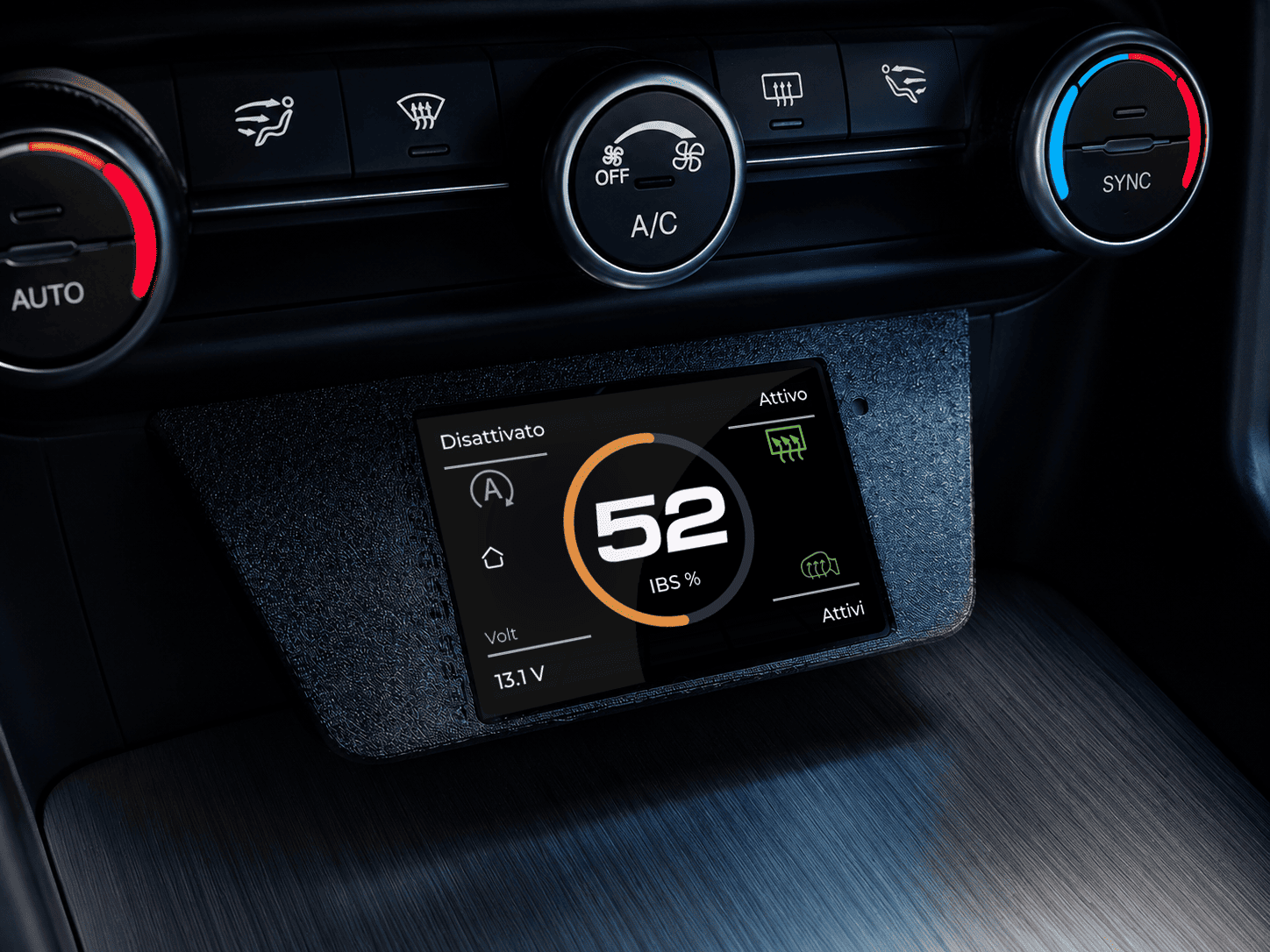
Battery, IBS and 12V system:
battery status, IBS percentage, voltage, Start & Stop, heated rear window and status of connected
systems.
-
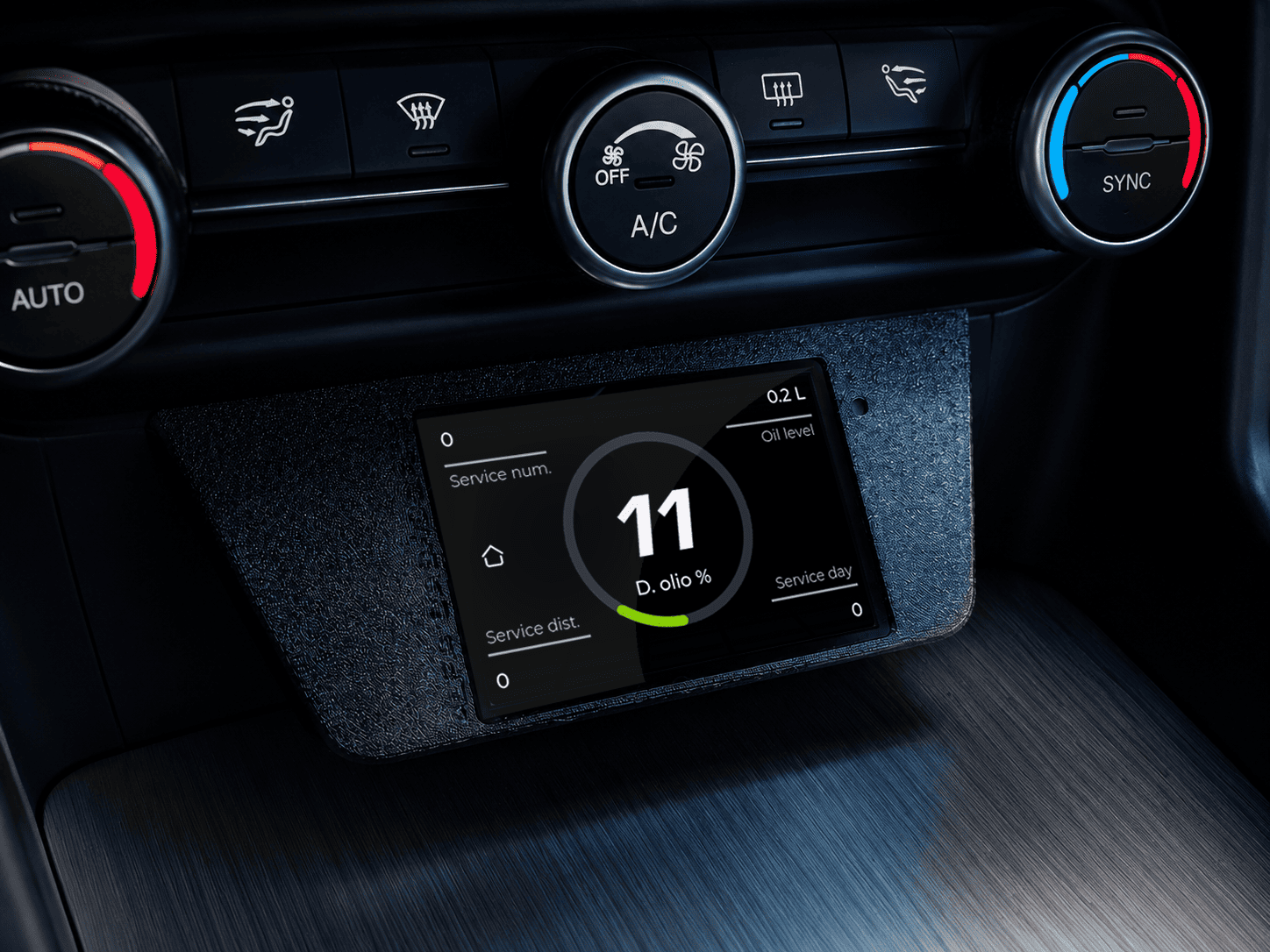
Maintenance status:
screen dedicated to maintenance, showing oil level, service information, kilometres and days remaining
before the next service.
-
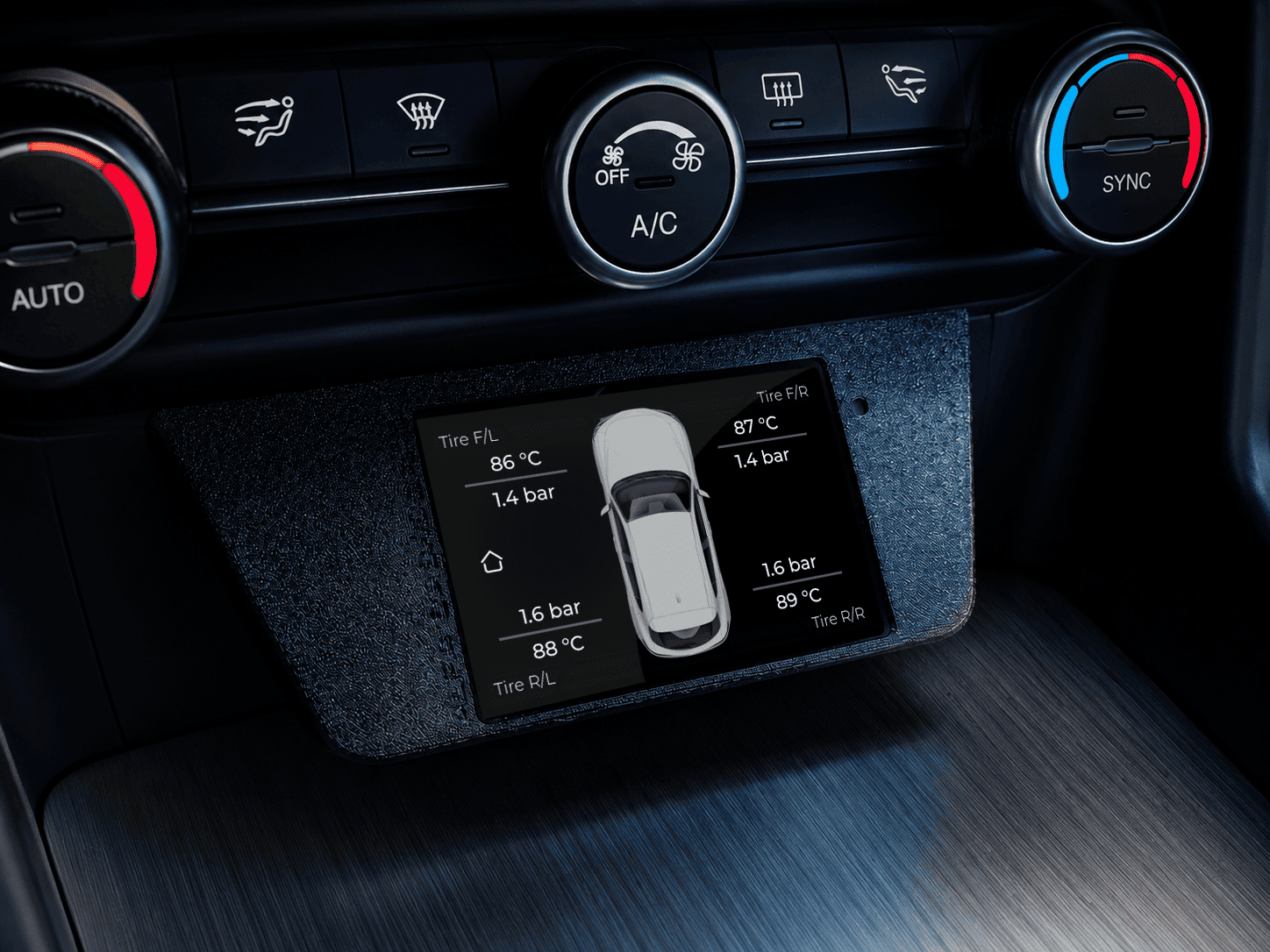
Tyres and pressures:
display of individual tyre pressure and temperature, with a vehicle graphic for immediate reading.
-
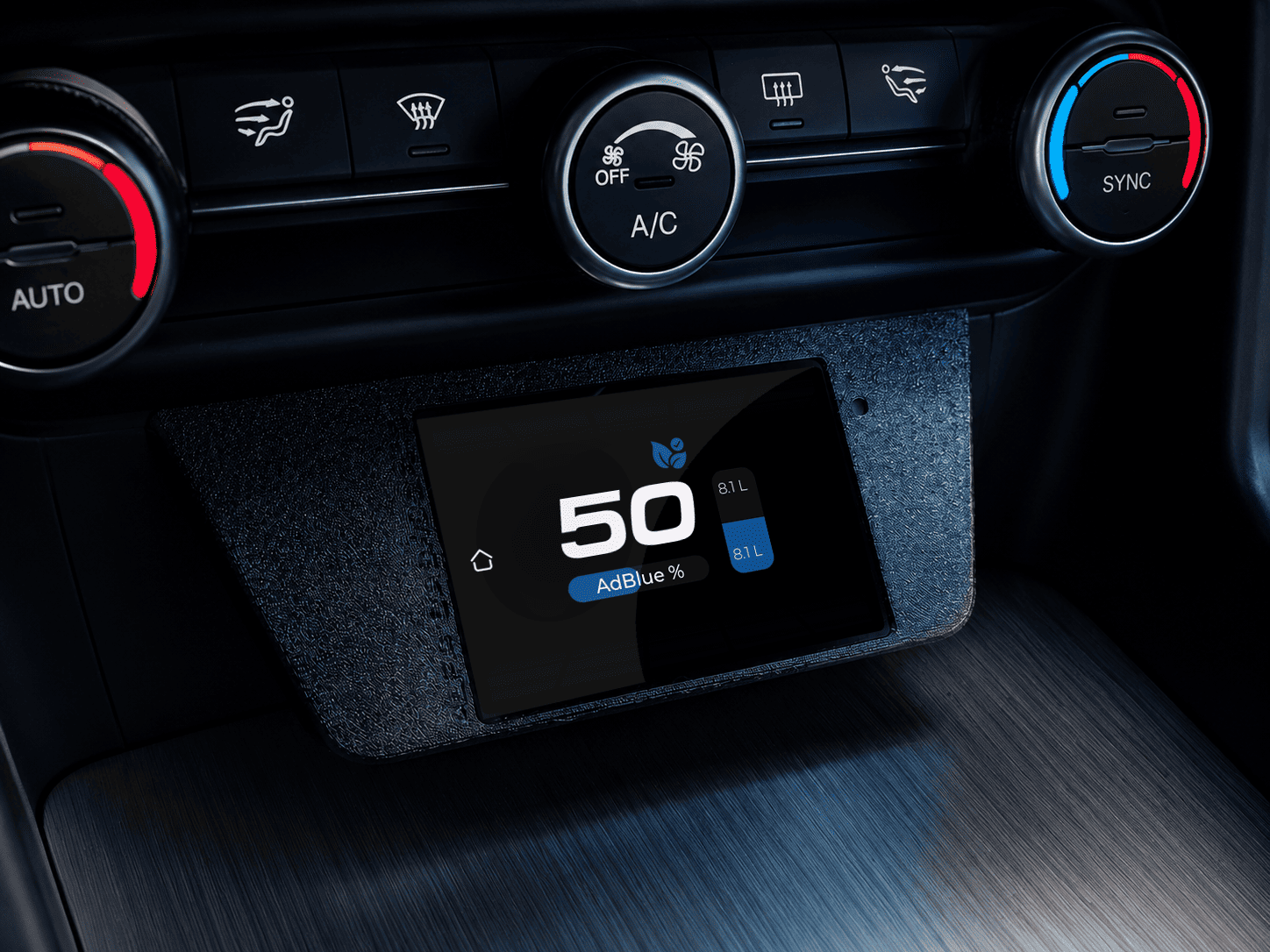
AdBlue status:
monitoring of AdBlue level, remaining percentage, available litres and a graphical tank indication.
-
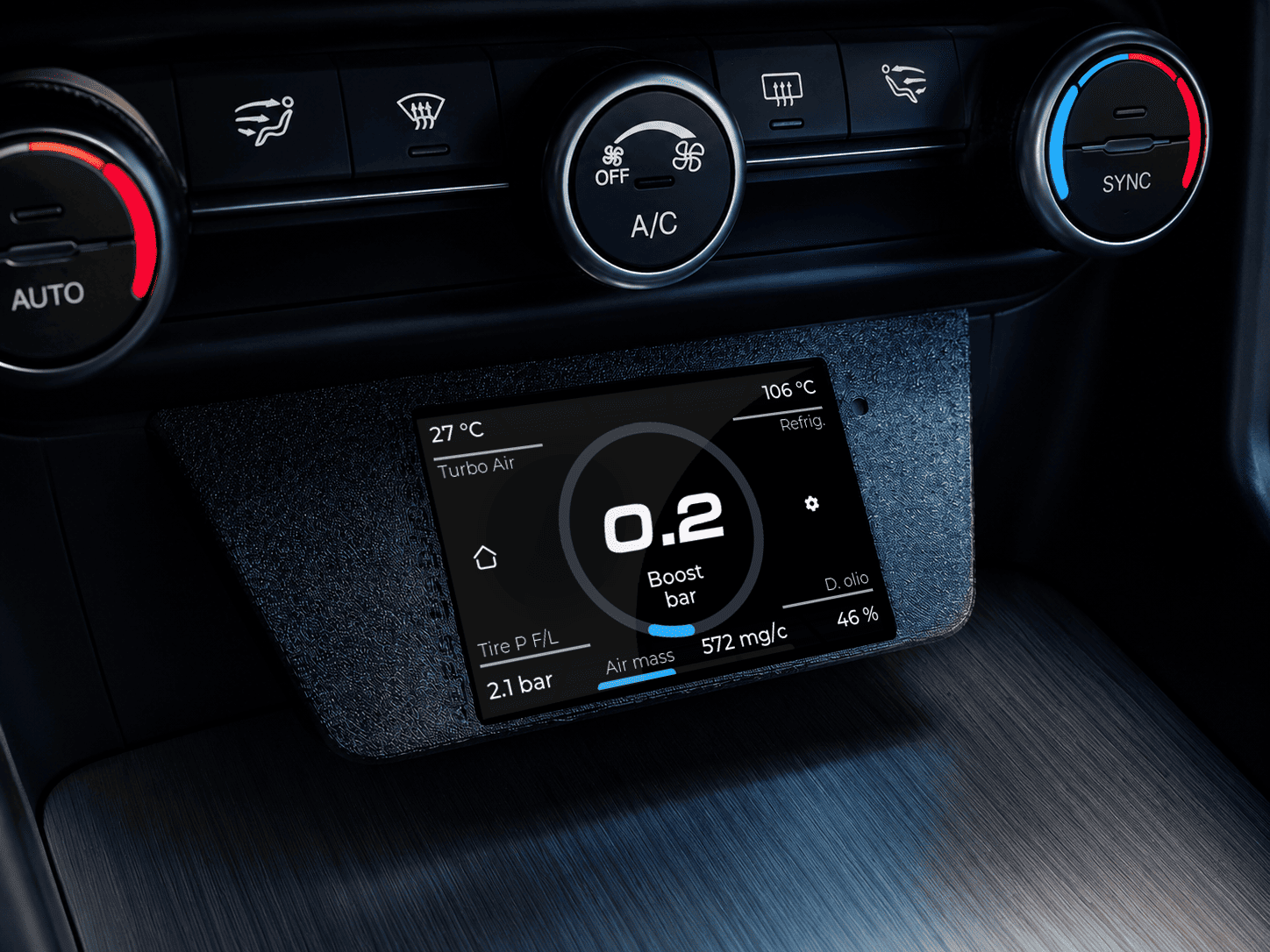
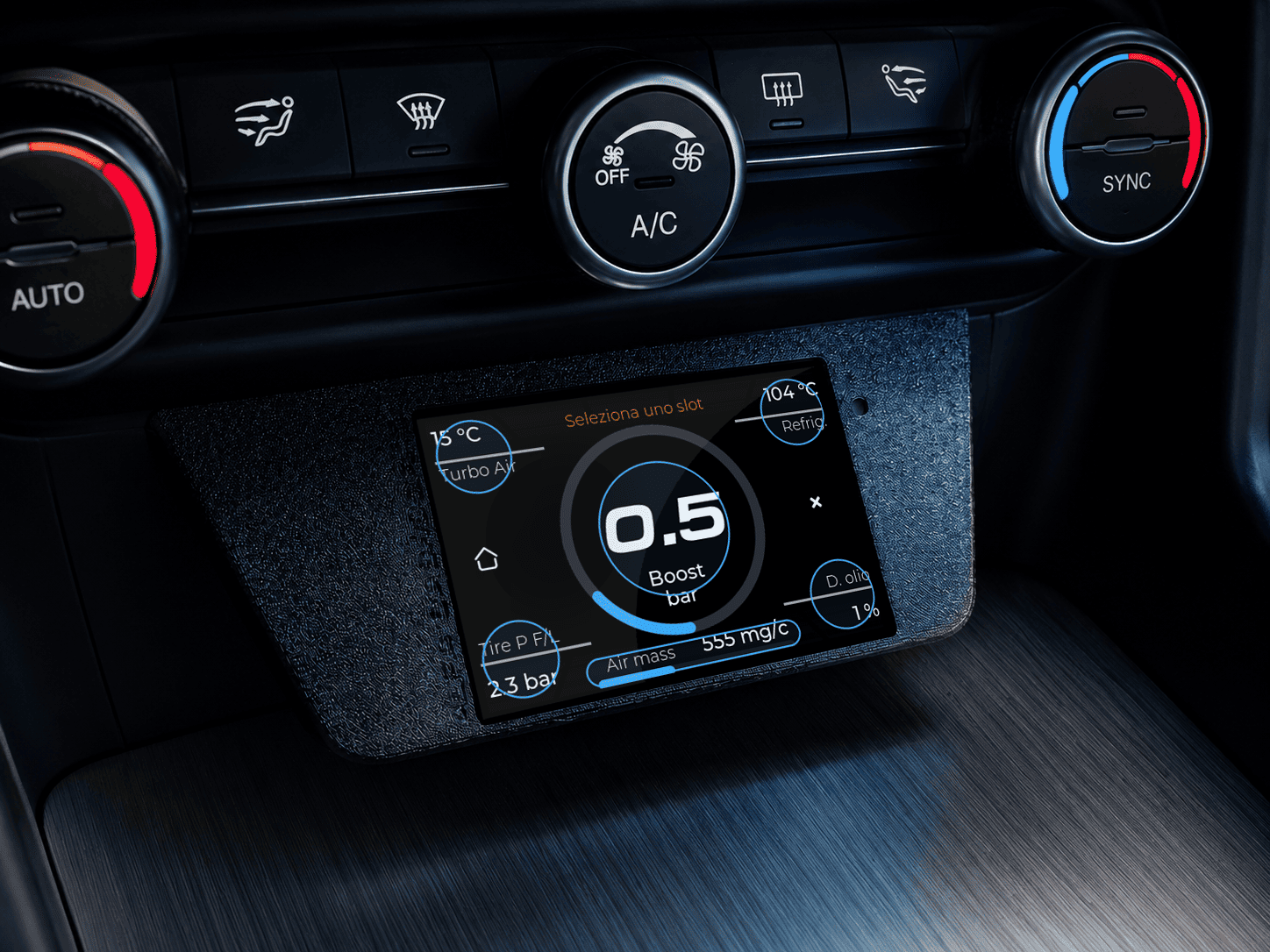
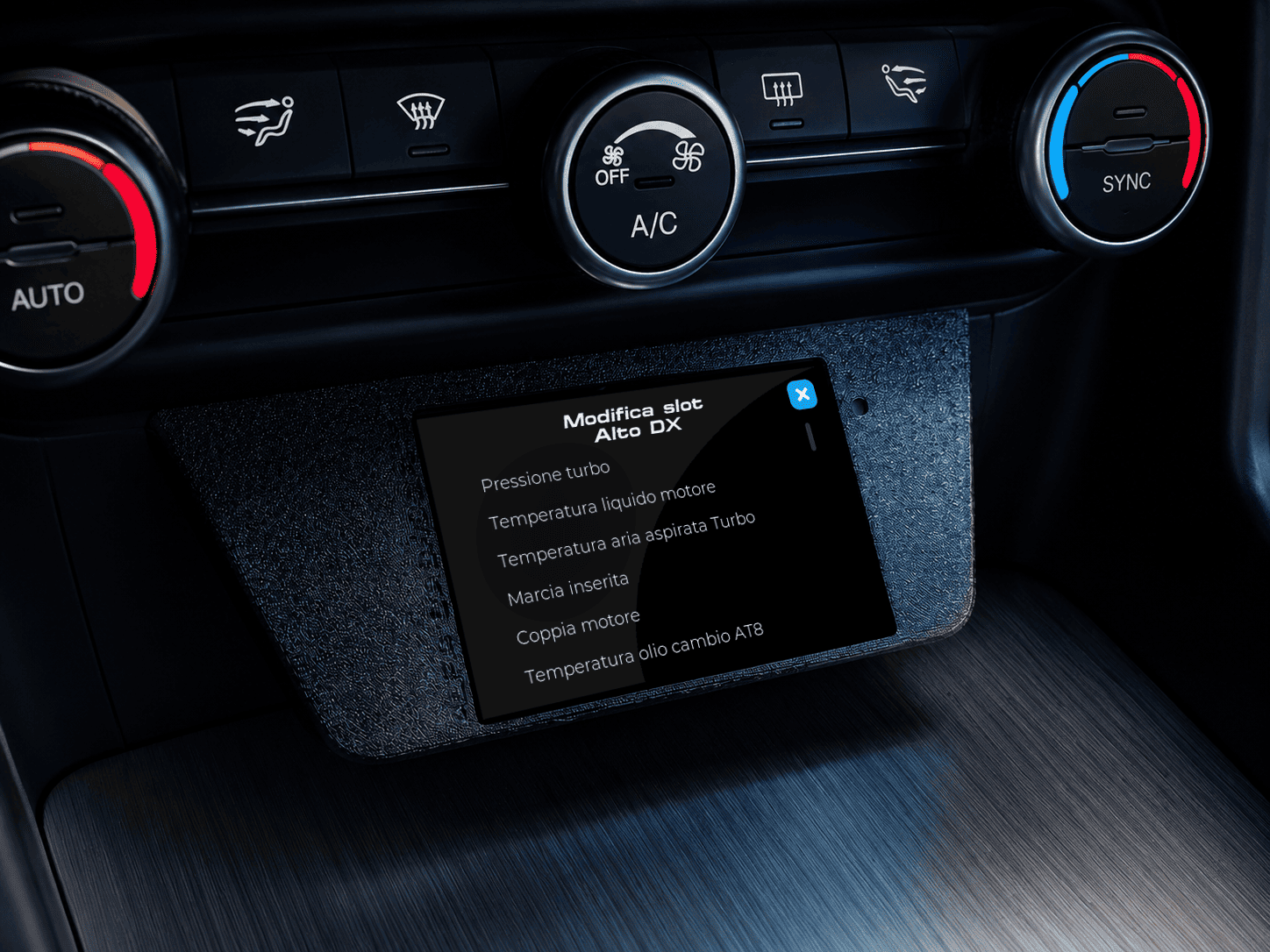
Custom Dash:
customizable screen that allows users to select slots and choose which parameters to display among the
available values, such as turbo pressure, coolant temperature, turbo air temperature, gear, torque and
other OBD values.
-
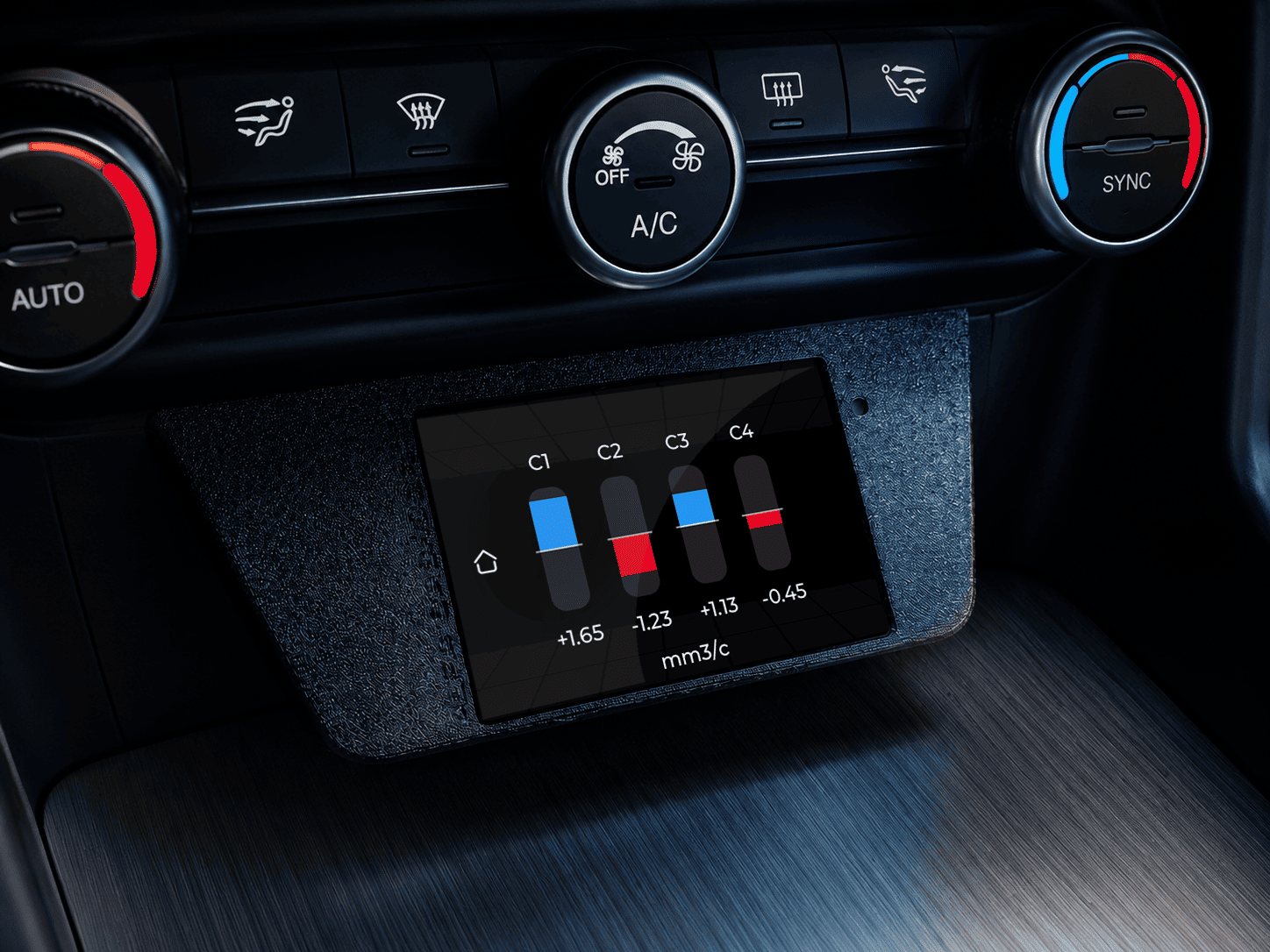
Inject Page: Dedicated screen for monitoring injection parameters, useful for checking cylinder corrections and quickly evaluating injector behavior while the engine is running.
-
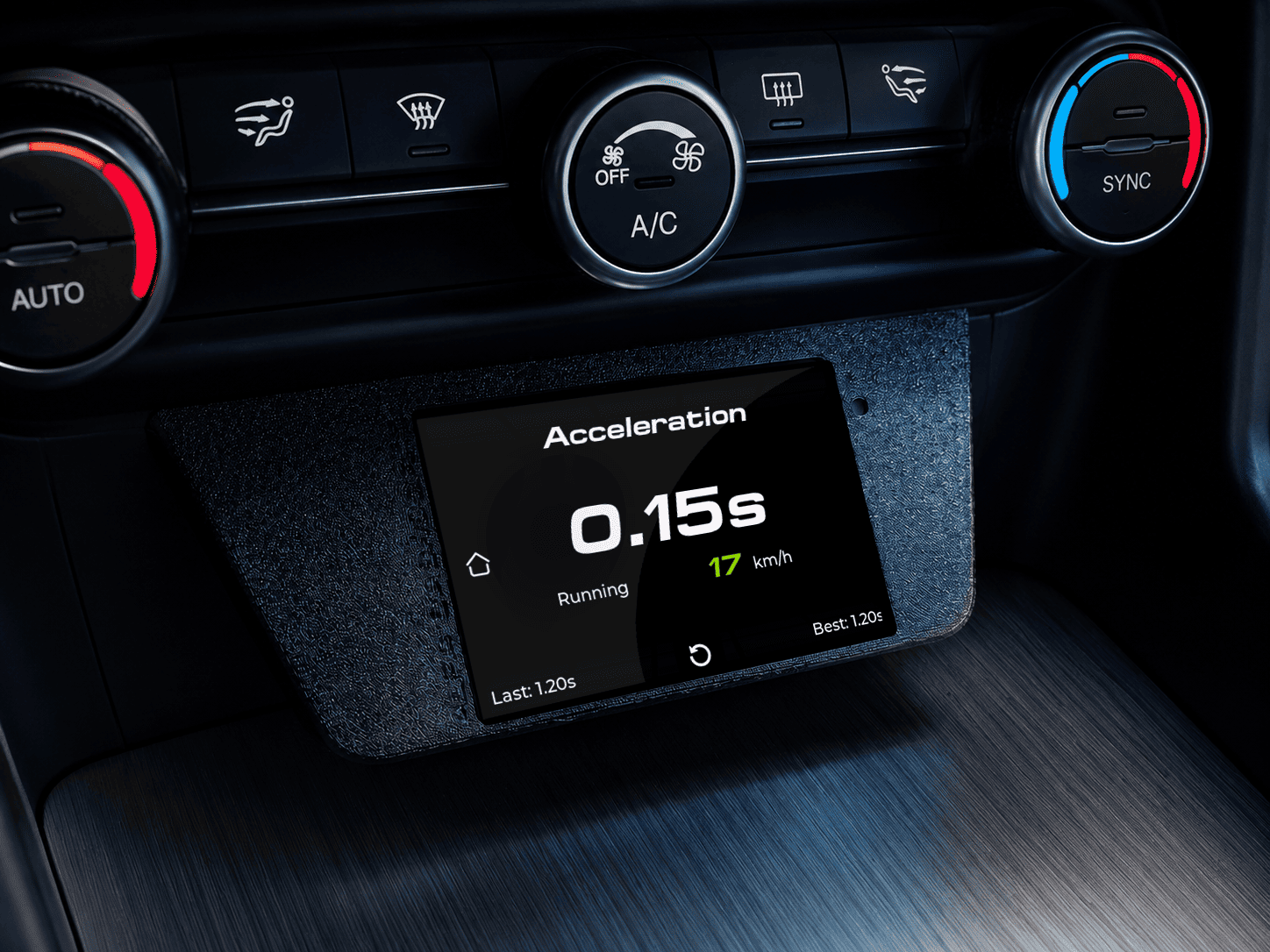
Acceleration:
screen dedicated to acceleration tests, showing current time, speed, last result and best recorded time.
-
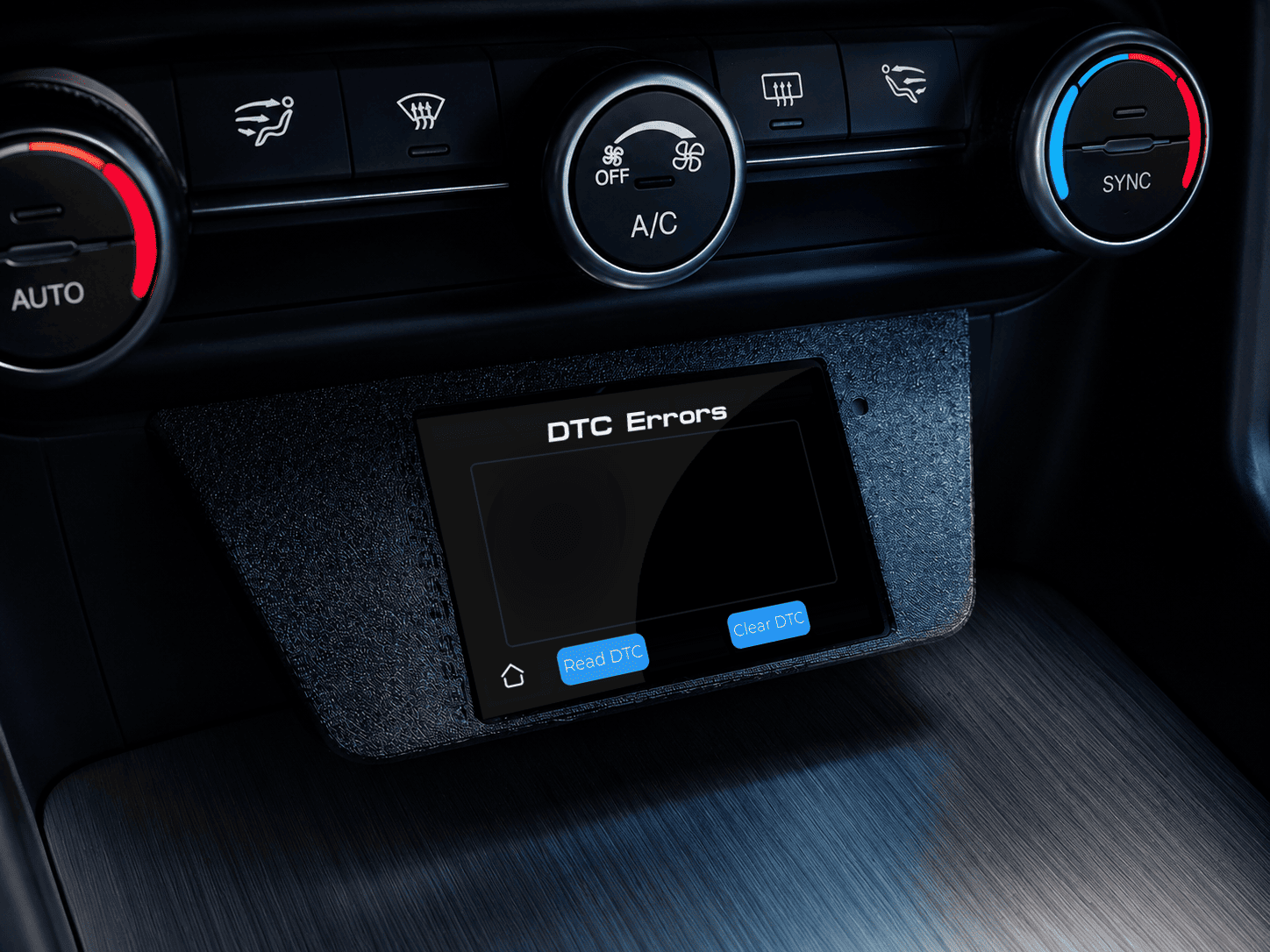
DTC errors:
reading and clearing diagnostic trouble codes.
-
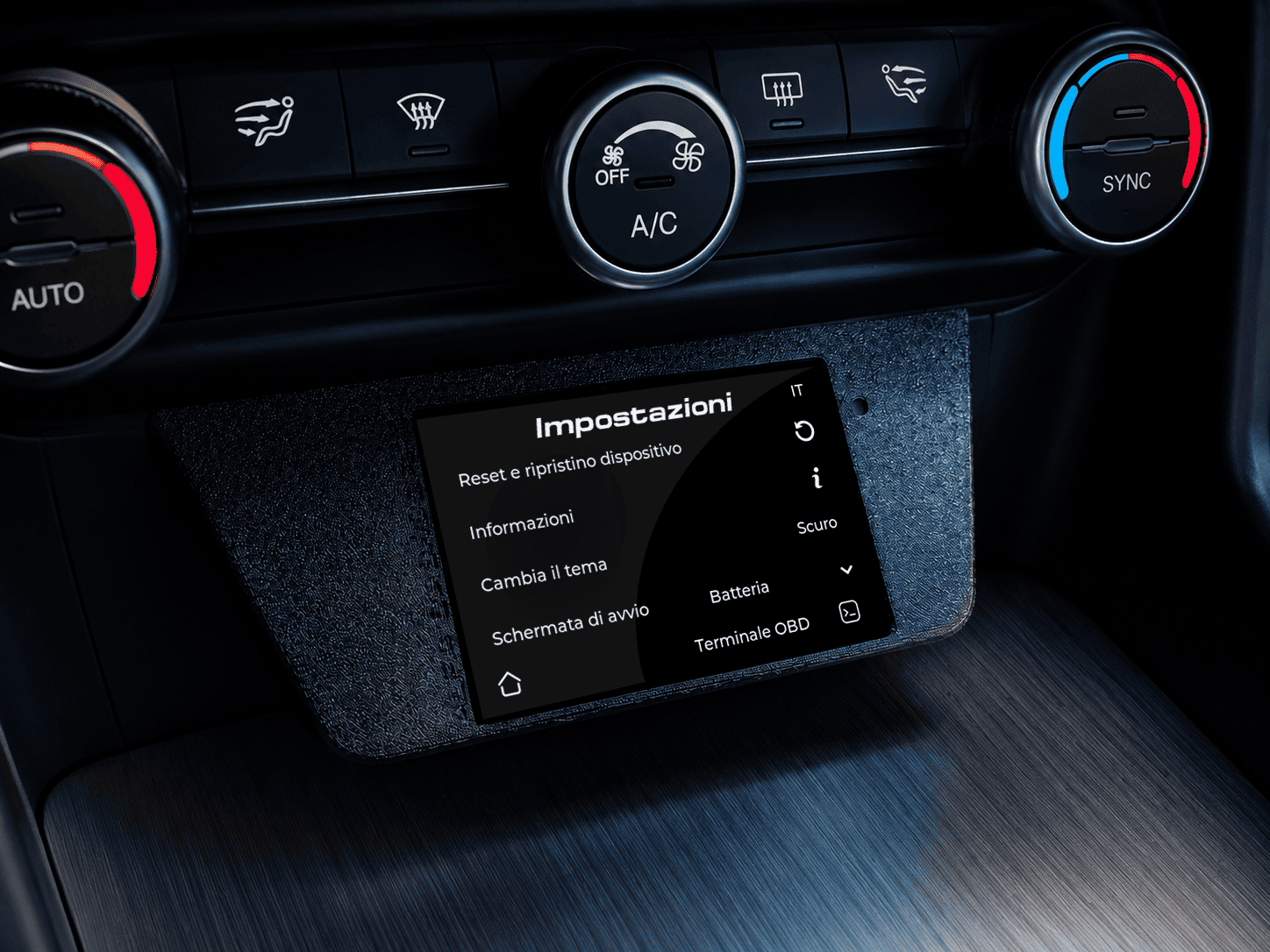
Settings:
section dedicated to device reset/restore, system information, light/dark theme switching, language
selection, startup screen, battery options and access to the OBD terminal.
-
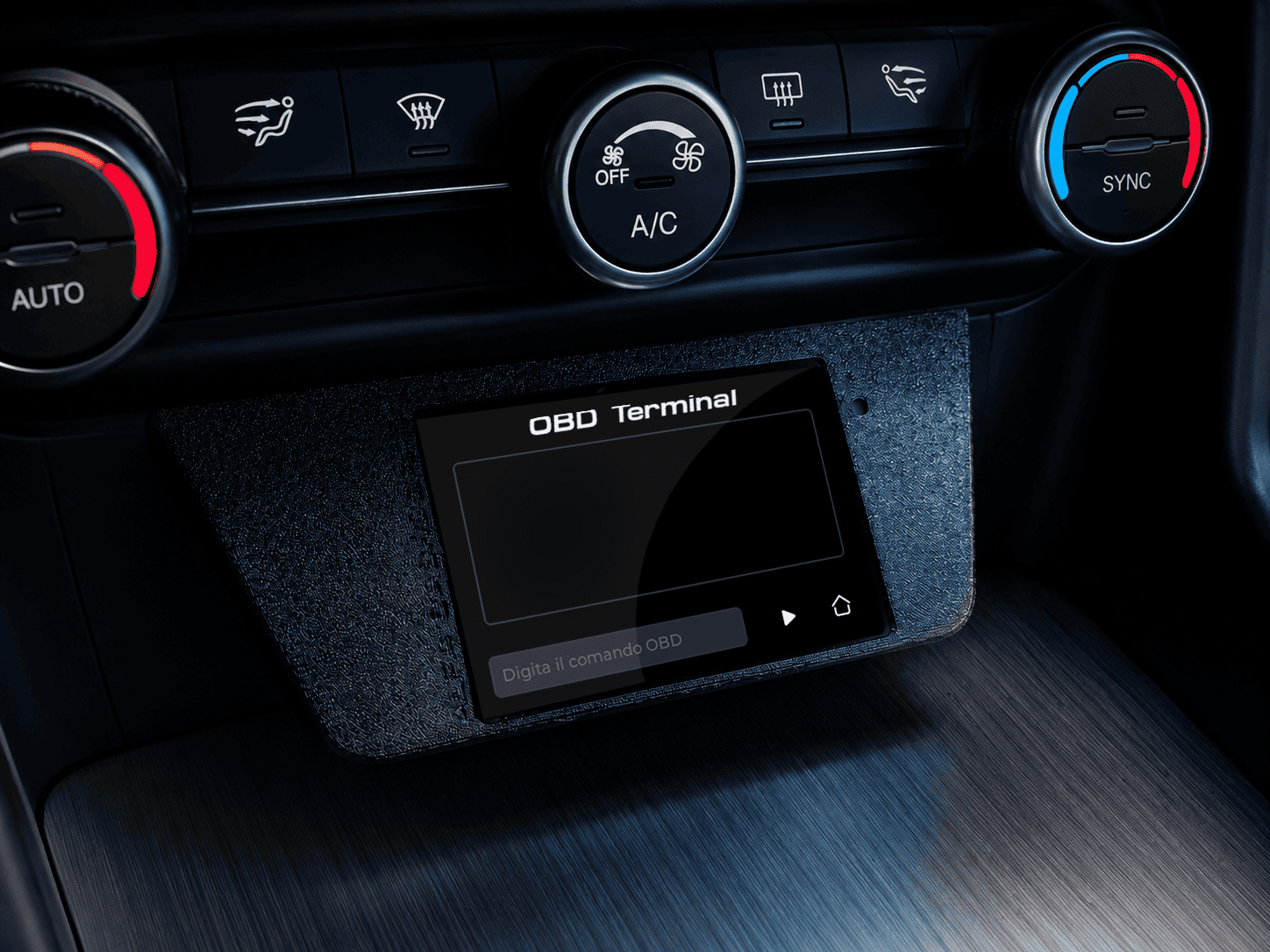
OBD Terminal:
advanced terminal for sending RAW commands and performing low-level diagnostic tests through the OBD
connection.